Saloon
Kühn, modern und maskulin – dieses Theme wurde für Barbershops entworfen, die Wert auf Präzision, Stil und Charakter legen.
Perfekt zur Präsentation von Dienstleistungen, Produkten und Terminen in einem scharfen, selbstbewussten Layout.
Starten Sie Ihre kostenlose 7-Tage-Testphase. Keine Kreditkarte erforderlich.
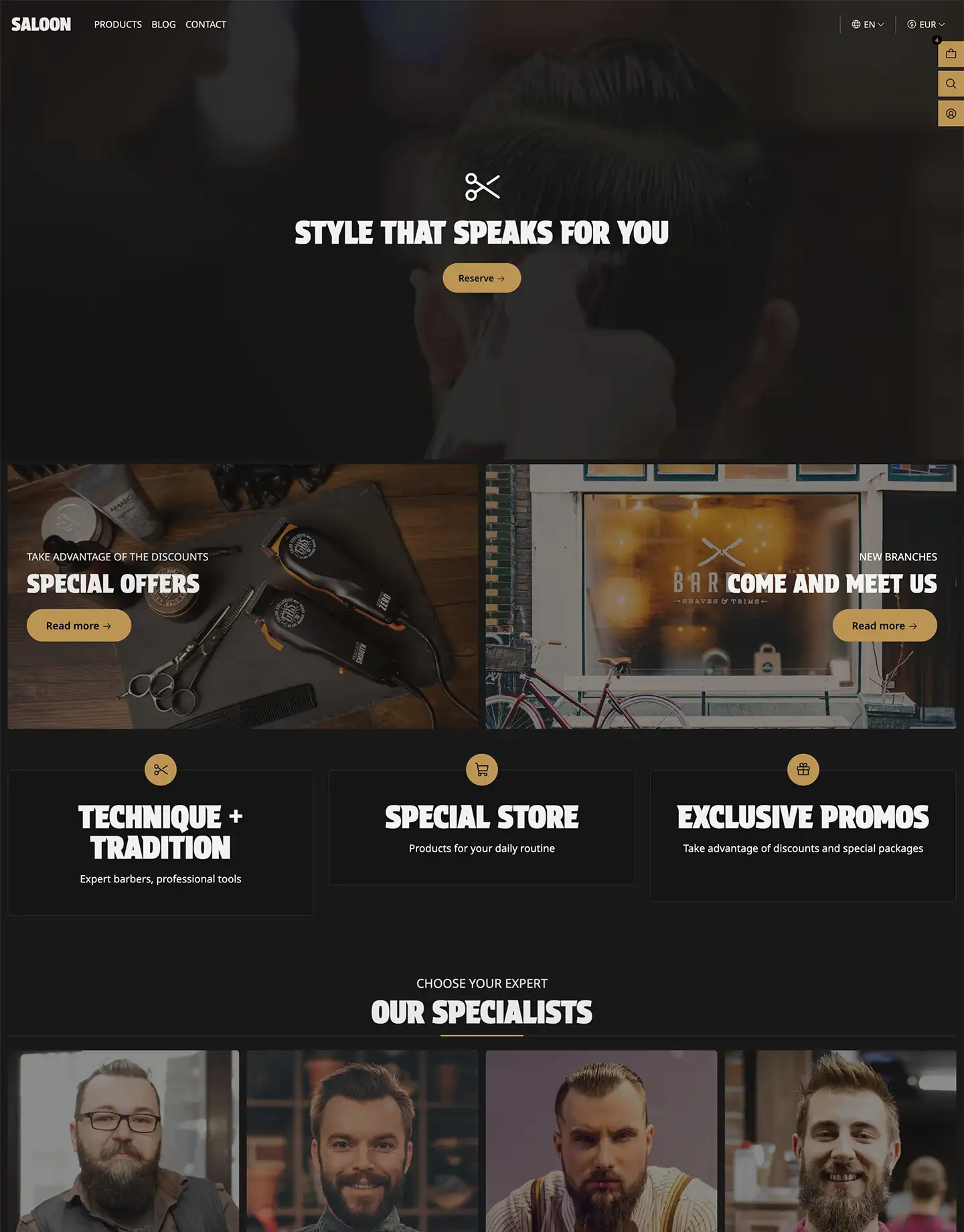
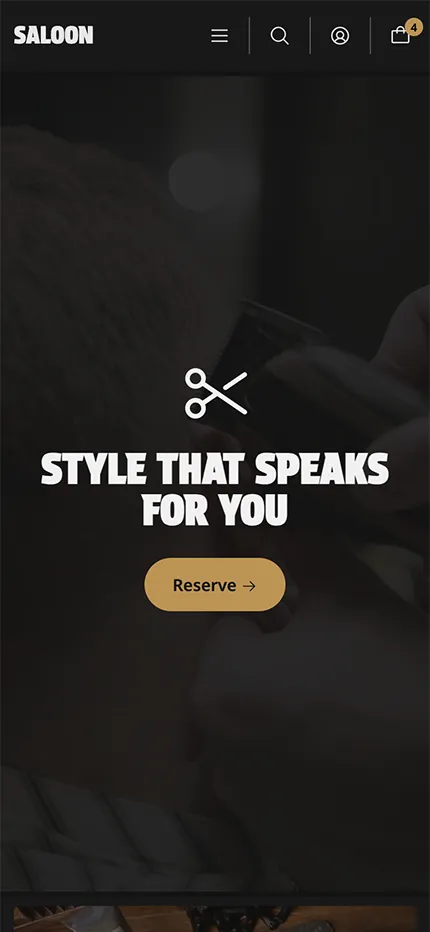
Einige Beispiele:
Verfügbare Varianten
Details
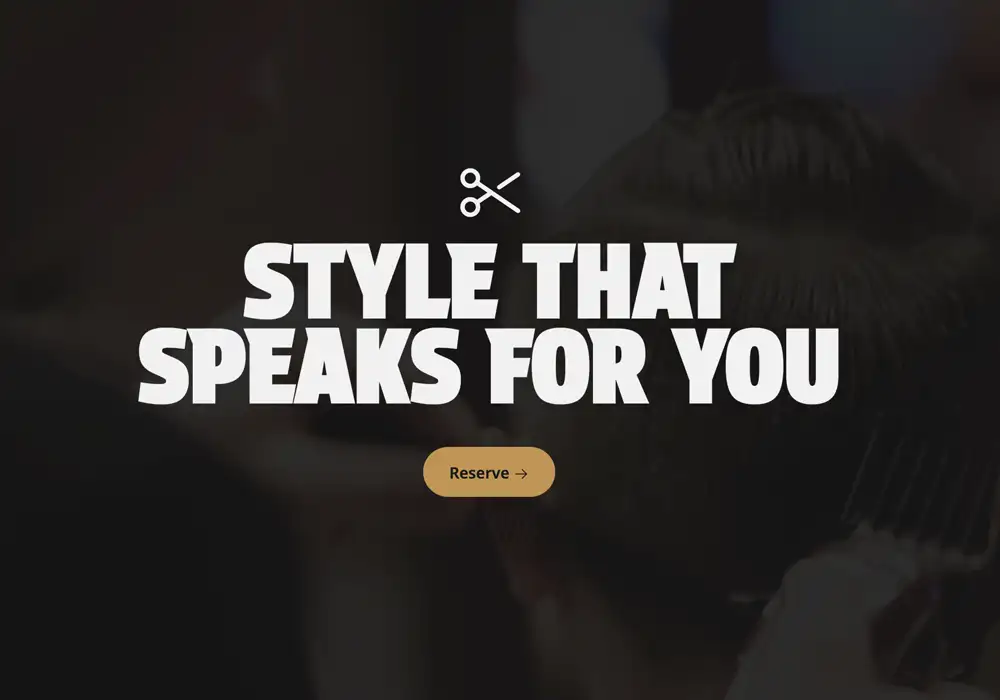

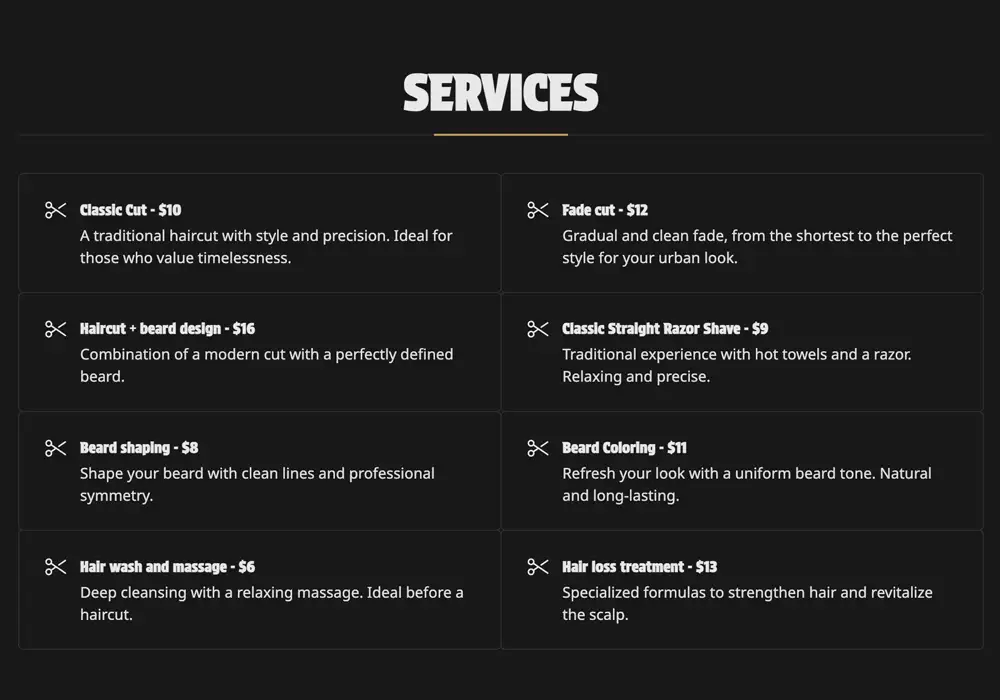
Funktionen
Handel & Conversion
Zusammen gekaufte Produkte Advanced
Cross-Selling-Produkte
Empfohlene Produkte
Mengenpreise
Schneller Checkout
Countdown
Kundenerlebnis & Engagement
Kundenanmeldung
Abonnements
Benachrichtigungen bei Wiederverfügbarkeit
Termine / Buchungen
Newsletter-Widget
Produktbewertungen
Individuelle Benachrichtigungen
Wunschlisten-Produkte Pro
Kundenstimmen
Inhalte, Marketing & Entdeckung
Instagram-Feed
WhatsApp-Widget
Soziales Teilen
Video-Integration
Autovervollständigung bei der Suche Premium
Mega-Menü
Erweiterte Produktfilterung Premium
Blog und Artikel
Global, Anpassung & Leistung
Mehrere Sprachen
Mehrere Währungen
Bestand nach Standort
Zahlungsabzeichen
Vollständig anpassbar
Zugang zur Code-Bearbeitung
Hohe SEO-Leistung
Mobilfähig
Leichtgewichtige / leistungsstarke Layouts
Hilfe
Häufig gestellte Fragen
Ja. Alle Themes sind über den visuellen Theme-Editor vollständig anpassbar. Benutzer mit Code-Zugang (Basic und höher) können auch HTML/Liquid-, CSS- und JavaScript-Dateien für erweiterte Anpassungen bearbeiten. Beachten Sie, dass Code-Änderungen nicht auf ein neues Theme übertragen werden.
Sie können bis zu 5 Themes in Ihrem Shop installiert haben. Eines davon ist Ihr aktives Haupt-Theme, und die anderen vier bleiben als Entwürfe. Sie können jedes Entwurfs-Theme jederzeit bearbeiten und es als Haupt-Theme festlegen, wenn Sie bereit sind.
Alle Anpassungen, die Sie über den visuellen Editor vorgenommen haben – einschließlich Inhalts- und Designeinstellungen – werden automatisch auf die aktualisierte Version des Themes übertragen. Die neu installierte Version erscheint in Ihrer Liste der installierten Themes, und Sie müssen sie als Haupt-Theme festlegen, damit sie unter der URL Ihres Shops sichtbar wird.
Ein Jumpseller-Theme definiert das allgemeine Layout, den Stil und die visuelle Struktur Ihres Onlineshops. Es steuert, wie Seiten, Inhalte und Komponenten für Besucher dargestellt werden, und sorgt für Markenkonsistenz und Benutzerfreundlichkeit.
Theme-Komponenten sind modulare Bausteine (z. B. Slider, Banner, Footer, Galerien), die Sie innerhalb eines Themes hinzufügen, bearbeiten, ausblenden, duplizieren oder entfernen können. Jede Komponente kann Unterkomponenten haben (z. B. Folien innerhalb eines Sliders).
Ja. Jumpseller bietet einen visuellen Theme-Editor, mit dem Sie Designelemente wie Farben, Typografie und Layout über eine intuitive Oberfläche mit Echtzeit-Vorschau ändern können.
Sie können Komponenteneinstellungen, Template-Layout, allgemeine Theme-Konfigurationen (z. B. Schriftarten, Header, Footer) ändern und Änderungen vor der Veröffentlichung in der Vorschau ansehen.
Ja. Das Löschen eines Themes entfernt Einstellungen aus dem visuellen Editor, Code-Änderungen und Navigationsmenüs. Es wird empfohlen, Anpassungen vor dem Löschen zu exportieren oder zu übertragen.
Ja. Viele Komponenteneinstellungen ermöglichen es Ihnen, Verhalten und Größen für verschiedene Geräte unterschiedlich festzulegen.
Dokumentation
Beginnen Sie Ihre Reise mit uns!
Starten Sie Ihre kostenlose 7-Tage-Testphase. Keine Kreditkarte erforderlich.